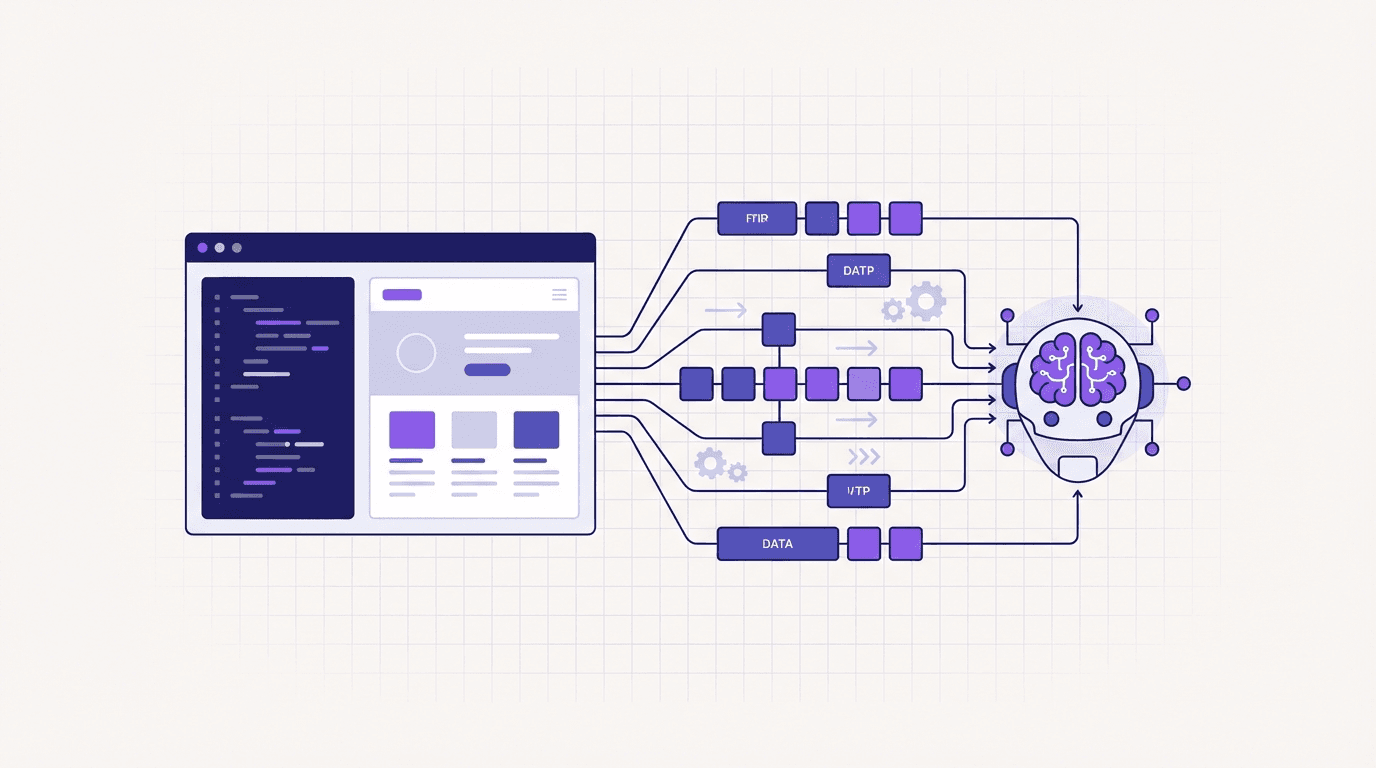
Updated October 11, 2026. WebMCP is a browser API proposal for exposing website actions as structured tools. A supporting agent can discover a tool's purpose, inputs and execution path instead of inferring every action from the page layout. It complements usable HTML; existing agents can still interact with websites that do not implement it.
What WebMCP provides
The editor's draft describes a browser interface, not a finalized W3C Recommendation. Browser implementations and agent integrations can differ. It also differs from MCP, which connects applications to tool and data services.
A useful tool represents a real website capability: finding articles, checking availability, or updating a preference. Define what the tool changes and what information it returns. The application must still enforce input validation, account permissions and any required confirmation.
Declarative forms or imperative tools?
| Approach | Suitable starting point | What you supply |
|---|---|---|
| Declarative form | An existing search or submission form | Tool attributes, labeled named inputs and a working submit handler |
| Imperative JavaScript | A dynamic action that needs application logic | Name, description, input schema and an execute callback |
These are alternative ways to expose actions. Using only one is not evidence that a site is noncompliant. Do not add a second path just to increase a score.
A declarative search form
The example below assumes your application already implements /search. It retains the ordinary submit behavior for people and unsupported browsers.
<form action="/search" method="get"
      toolname="searchSite"
      tooldescription="Search the public articles on this website by keyword">
  <label for="site-query">Search articles</label>
  <input id="site-query" name="q" type="search" required>
  <button type="submit">Search</button>
</form>
toolname identifies the action; tooldescription explains it. toolautosubmit is optional: assess it against the behavior of the action and your tested browser. It does not replace application authorization or guarantee that an agent will omit user confirmation.
An imperative read-only example
Load this script once on a page with a heading. The feature check keeps the normal page usable when the API is absent. The callback reads local page text and needs no external endpoint.
async function registerPageTools() {
  const context = document.modelContext;
  if (!context) return; // Keep the normal page available.
  const registration = new AbortController();
  await context.registerTool({
    name: "getPageHeading",
    description: "Read the first h1 or h2 heading on this page. No data is changed.",
    inputSchema: {
      type: "object",
      properties: {
        level: { type: "string", enum: ["h1", "h2"], description: "Heading level to read" }
      },
      additionalProperties: false
    },
    annotations: { readOnlyHint: true, untrustedContentHint: false, consequentialHint: false },
    execute: async ({ level = "h1" }) => {
      if (!["h1", "h2"].includes(level)) throw new Error("Invalid heading level");
      return { heading: document.querySelector(level)?.textContent?.trim() || "" };
    }
  }, { signal: registration.signal });
  window.addEventListener("pagehide", () => registration.abort(), { once: true });
}
void registerPageTools();
The current draft uses document.modelContext and execute. Older tutorials may show navigator.modelContext, handler, or callback; check the browser version they describe. In a single-page application, tie registration cleanup to the page or component lifecycle.
Browser support and testing
Google announced an early preview on February 10, 2026. A version number alone does not prove support. Check the API in your actual browser, then verify discovery and invocation with a compatible test client. See the browser support guide.
Test valid input, invalid input, unsupported browsers and your existing human workflow. A registered tool is not proof that its execution succeeds. For state-changing actions, also verify permission checks and error handling.
Sessions, security and search
Browser execution can operate in an existing website session, but that does not grant unrestricted access. Enforce permissions in the application and server. Data returned to an agent may be processed outside the browser; WebMCP does not by itself provide a privacy guarantee.
Use a secure context. Keep your CSP protections, authorizing your own scripts with appropriate nonces or hashes rather than allowing every inline script. WebMCP does not require removing protections against framing.
WebMCP availability and a high readiness score are not Google ranking guarantees. Google's AI search guidance continues to emphasize accessible content, crawlability and useful pages.
Check an implementation
Run a free website check, then read the per-item evidence. The scanner observes the page and tool registration; it does not execute your target tools. Pair its findings with an actual browser invocation test. For details, read the score methodology and current annotation guide.