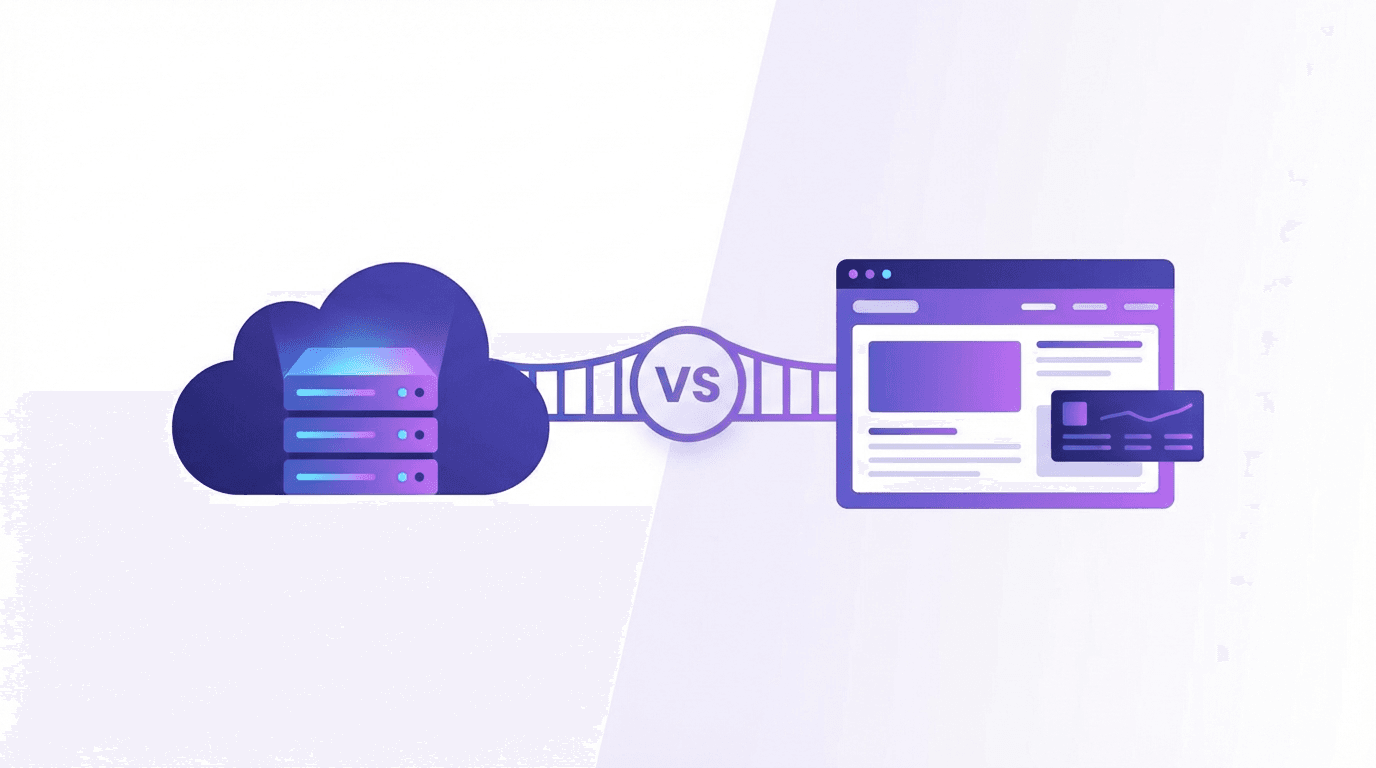
Updated October 11, 2026. WebMCP exposes actions in a web page; MCP connects an AI application to tool and data services. They can complement each other, but a website does not automatically need both.
The difference in one table
| Question | WebMCP | MCP |
|---|---|---|
| Where is the interface? | A supporting browser document | Between an application client and an MCP server |
| Typical task | Use a page's search, form or interactive action | Retrieve service data or invoke a service tool |
| Registration | HTML tool forms or the current document.modelContext API | Tool definitions supplied by a server |
| User context | Can use the website session, subject to application permissions | Depends on the application's transport and authorization design |
| Availability | Experimental browser and agent support must be checked | Requires an MCP-compatible client and server |
MCP servers can run locally or remotely; it is too narrow to describe MCP as only a remote backend protocol. WebMCP is not a postMessage transport specification, nor an automatic bridge that turns every MCP server into browser tools. Read the MCP introduction and current WebMCP draft for the respective interfaces.
Choose WebMCP for a page interaction
Suppose a user is viewing your store and wants to search the visible catalog or use an existing booking form. A browser tool can expose that operation through the same application logic. A declarative form may be sufficient; a dynamic flow may need an imperative execute callback.
Keep the human interface available, validate tool inputs and enforce server permissions. Follow the implementation guide and verify the actual browser configuration.
Choose MCP for an application integration
Suppose an assistant needs an internal data service or a local development tool without navigating a website. An MCP service may fit that integration. How identity and permissions work depends on its transport and deployment; do not assume that every setup requires a separate API key or that authorization can be omitted.
When both are useful
A product could expose a page search to browser agents and a separate reporting service to an MCP client. Each has its own consumers and permission boundary. Add both when those use cases exist, rather than duplicating every capability by default.
Sessions are not a privacy guarantee
Using the current browser session can avoid a duplicate login in some flows. It does not remove authentication, permission checks or confirmation for meaningful changes. Data returned to an agent can leave the browser depending on that agent's processing. Neither interface alone guarantees that all information remains local.
Tool hints describe behavior; they do not enforce it. Current WebMCP fields differ from MCP's annotation fields. See the annotation guide before reusing definitions.
How to verify your choice
Start with one real action and test discovery, valid execution, invalid input and the normal user path. Use WebMCP Verify for page and registration evidence, then perform a separate tool invocation test. Read the score guide for what a scan can and cannot establish.