Updated October 11, 2026. An annotation describes a tool's behavior before an agent calls it. It is a hint, not enforcement: the callback and server must still validate inputs and permissions.
Which annotations apply to current WebMCP?
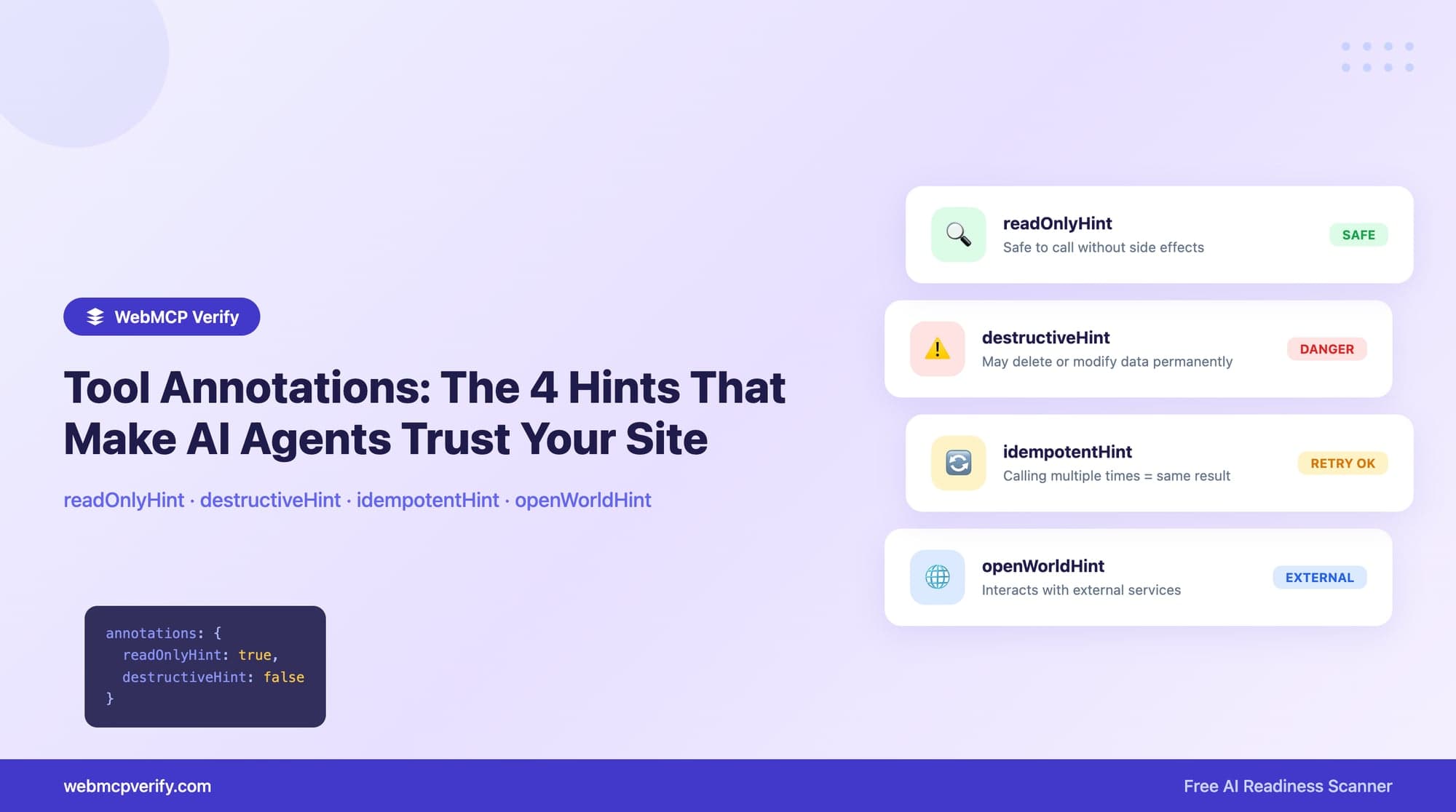
The current draft defines four boolean fields. Earlier content on this site mixed MCP annotation names with WebMCP. This revision separates them.
| Field | Use it to describe |
|---|---|
readOnlyHint | Whether the tool only reads data and does not change state |
untrustedContentHint | Whether returned content is untrusted from the tool author's perspective |
consequentialHint | Whether the action has significant real-world or irreversible consequences |
debugging | Whether the tool is for debugging or developer tooling |
destructiveHint, idempotentHint and openWorldHint should not be copied from an MCP example and described as current WebMCP fields. If your application also exposes an MCP server, use that protocol's own definitions there.
Start with truthful behavior
A tool that only reads a heading from a page you control can declare itself read-only. If that heading contains third-party or user-generated content that you do not trust, reconsider the untrusted-content hint. A function that creates a record, spends a quota or changes a cart is not purely read-only just because it does not charge money.
async function registerPageTools() {
  const context = document.modelContext;
  if (!context) return; // Keep the normal page available.
  const registration = new AbortController();
  await context.registerTool({
    name: "getPageHeading",
    description: "Read the first h1 or h2 heading on this page. No data is changed.",
    inputSchema: {
      type: "object",
      properties: {
        level: { type: "string", enum: ["h1", "h2"], description: "Heading level to read" }
      },
      additionalProperties: false
    },
    annotations: { readOnlyHint: true, untrustedContentHint: false, consequentialHint: false },
    execute: async ({ level = "h1" }) => {
      if (!["h1", "h2"].includes(level)) throw new Error("Invalid heading level");
      return { heading: document.querySelector(level)?.textContent?.trim() || "" };
    }
  }, { signal: registration.signal });
  window.addEventListener("pagehide", () => registration.abort(), { once: true });
}
void registerPageTools();
The callback validates the allowed heading levels. It uses execute, and the registration is removed through an AbortSignal when the page is left. Test it in a browser that actually supports the API.
Three practical decisions
A catalog lookup
If a tool only returns public catalog data, a read-only hint may be appropriate. Describe where that data comes from. If search results include third-party text, assess the untrusted-content hint rather than assuming that every read operation is trusted.
A reservation or payment
An action that creates a booking or transfers funds needs consequence-aware treatment. A hint does not provide a confirmation screen, authorization check or rollback mechanism. Implement those in the application and verify them through the ordinary user workflow as well as the tool path.
A developer diagnostic
A diagnostic intended for developers can use the debugging hint. Do not mark a user-facing purchase or account tool as debugging to reduce friction. Avoid exposing privileged diagnostics solely because an annotation labels them.
How WebMCP Verify checks annotations
For ruleset 2026-10-05, D4 has a nominal weight of 2. It looks for a recognized boolean annotation on each captured current imperative tool. false is still a boolean declaration; {}, a string such as "true", or an unrelated property does not qualify.
If only some tools have recognized boolean fields, the result is partial. With no current imperative tools, this check is skipped. A declarative-only implementation does not need a fabricated imperative registration to satisfy it. See the score calculation.
The scanner can observe declared hints. It does not call the tool or prove that its behavior matches them. An annotation pass is therefore not a security certification.
Before publishing
Check the tool's actual effects, input validation and returned data. Verify that the annotation values describe those effects, then test discovery and invocation in your supported environment. Keep the normal interface working.
Run a free scan for registration evidence. For the API lifecycle and browser limitations, read the browser support guide; for form-based tools, start with the implementation overview.