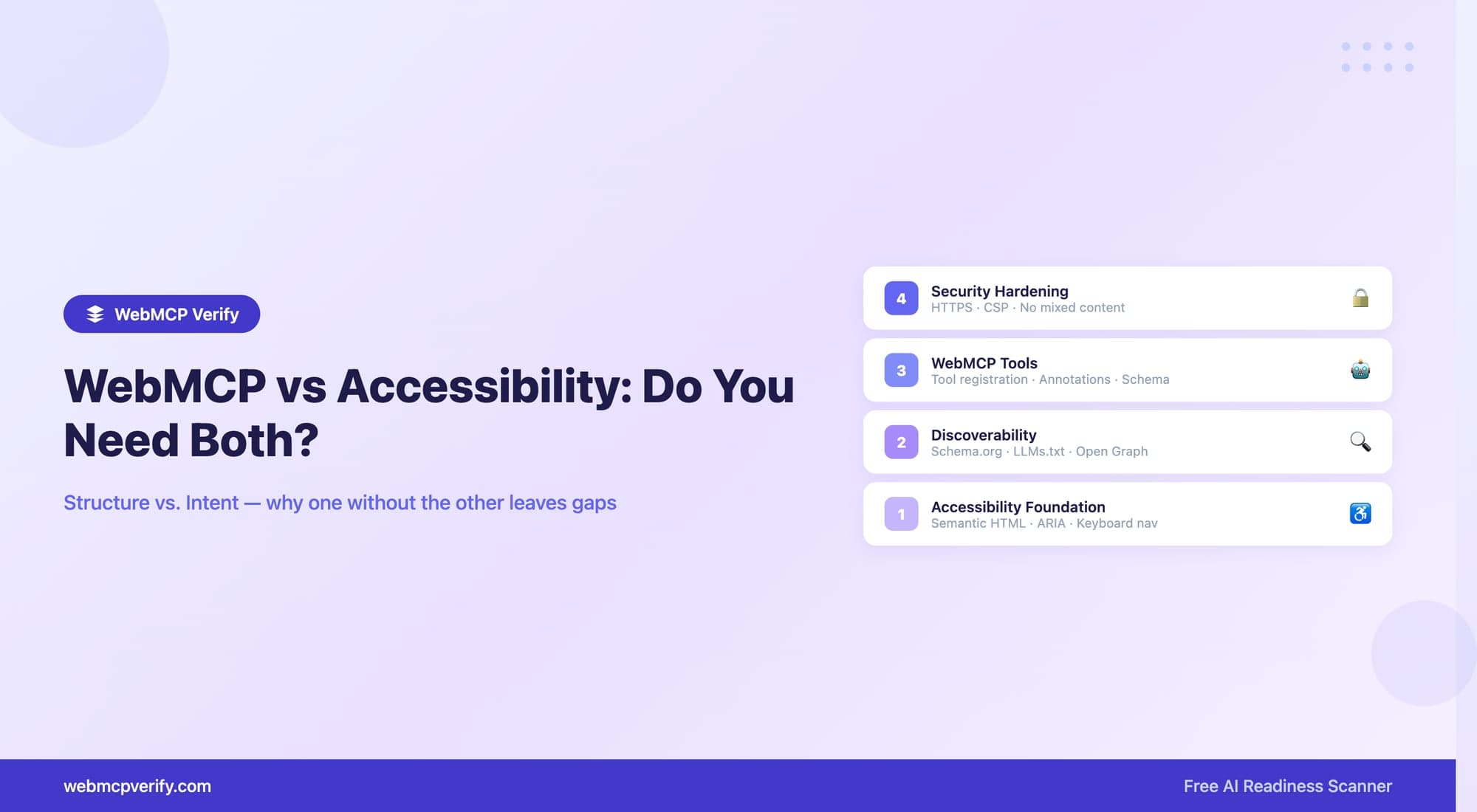
Updated October 11, 2026. Accessibility and WebMCP address different consumers of a website. Accessible controls help people and assistive technologies use the interface. Browser tools can offer supporting agents a structured way to invoke an action. Adding one does not establish that the other works.
Begin with the existing interface
Keep semantic headings, labeled inputs, native buttons, keyboard operation and useful error messages. Test focus movement and form validation with actual users or assistive technology where appropriate. A registered tool does not repair an unlabeled form or an inaccessible confirmation dialog.
Add a useful tool without replacing the UI
Expose an operation that already works. A declarative search form can retain its ordinary submit handler; an imperative tool should call the application's real action logic. Do not create a separate path that skips permissions or validation.
Use current implementation examples with document.modelContext and execute. Annotations must describe actual effects; the annotation guide distinguishes current WebMCP fields from MCP fields.
Discovery, execution and access are different tests
| Check | What you verify |
|---|---|
| Human interface | Keyboard access, labels, focus and understandable errors |
| Tool discovery | The tested browser/client exposes the intended definition |
| Tool execution | Valid inputs produce the right result; invalid inputs fail clearly |
| Authorization | The application permits only the intended user and operation |
A website scan provides observations about the page and registrations. It does not execute the target tool or replace an accessibility audit. Read the score guide for its limitations.
Keep security and crawler policy deliberate
Keep a secure context and a CSP that authorizes your own scripts. Do not enable all inline scripts or remove framing protection merely to increase a score. Decide crawler access according to your content and policy; crawler permissions are separate from a logged-in browser tool's authority.
What not to infer from a working demo
The WebMCP draft is evolving and the Chrome early preview is not universal support. A successful demo is evidence for that configuration, not a promise for every agent.
Google's AI search guidance does not establish WebMCP readiness as a ranking factor. This article makes no claim based on an unpublished sample of scanned websites. Build and test the experience for the users and integrations you actually support.